Convertech EPL Tally Connector — Developer Handover
Project Overview
This project is developed for Convertech to integrate their CRM process with Tally ERP. The connector bridges CRM, Factory Tally, and Main Office Tally, ensuring seamless synchronization of accounts, sales orders, invoices, products, and receipts.
It is built on React + Tauri, with a modular architecture that supports clean data flow, easy error tracing, and extendability for future modules.
CRM Process (Business Flow)
The CRM side drives the entire flow of account, order, and product creation. Below is the step-wise process:
Account Creation
When a new account is created in CRM, a notification is triggered to the factory team.
The factory team creates a Sundry Debtor in Tally (Factory instance).
By default, Tally auto-syncs this debtor into the Main Office Tally company.
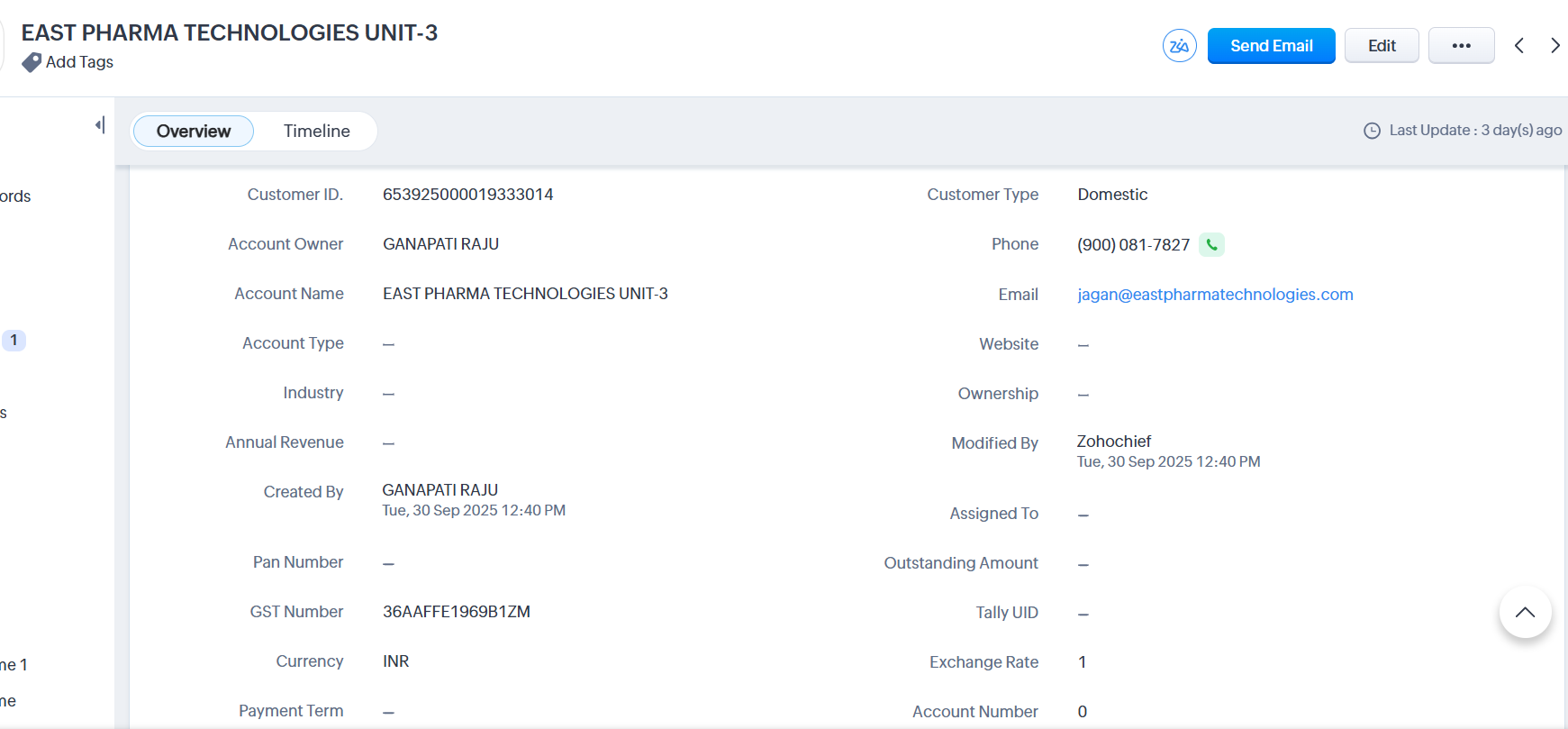
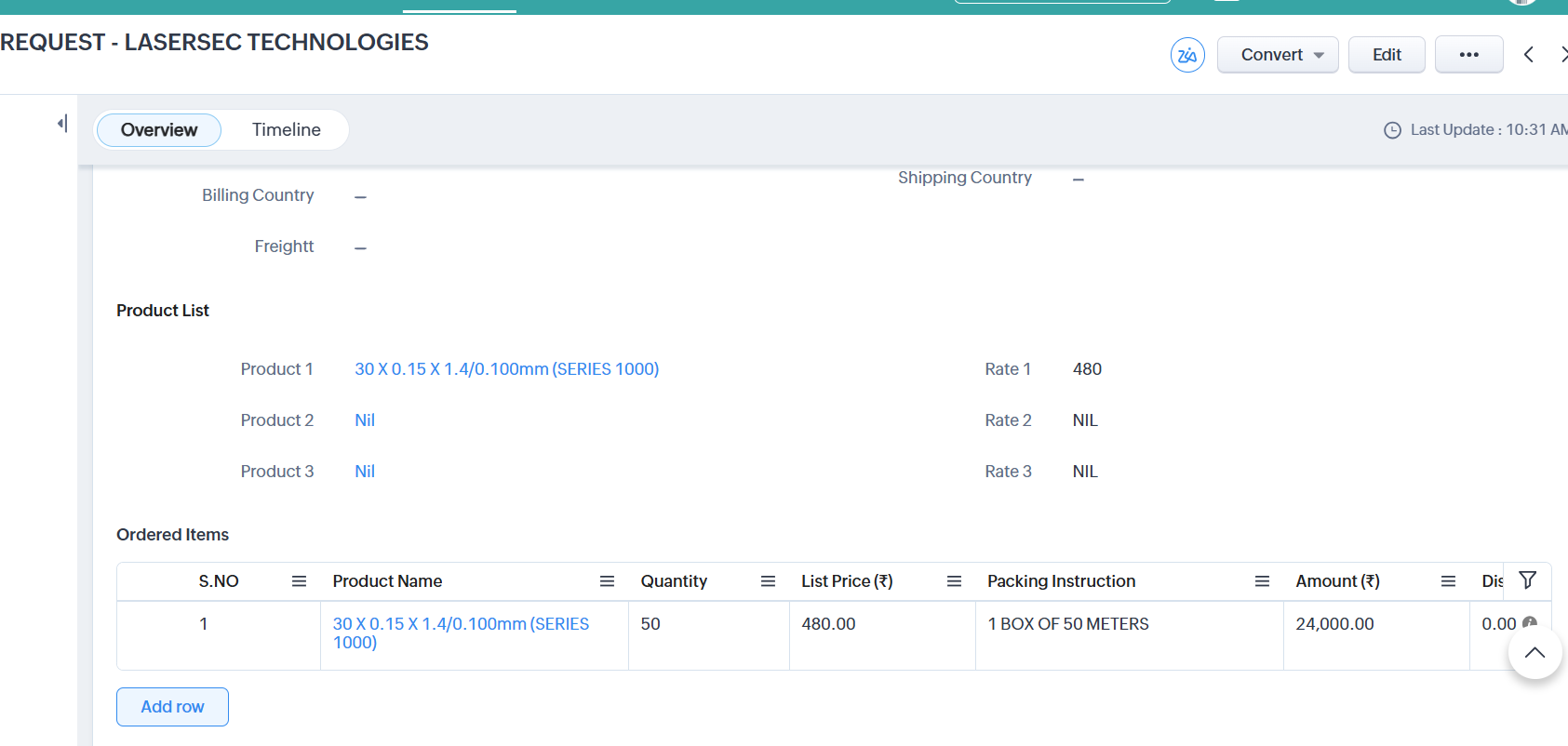
Sales Order
Sales order is created against the CRM account.
Once approved, a notification is sent to the factory team.
The factory creates an invoice in Tally.
This invoice auto-syncs into the Main Office Tally.
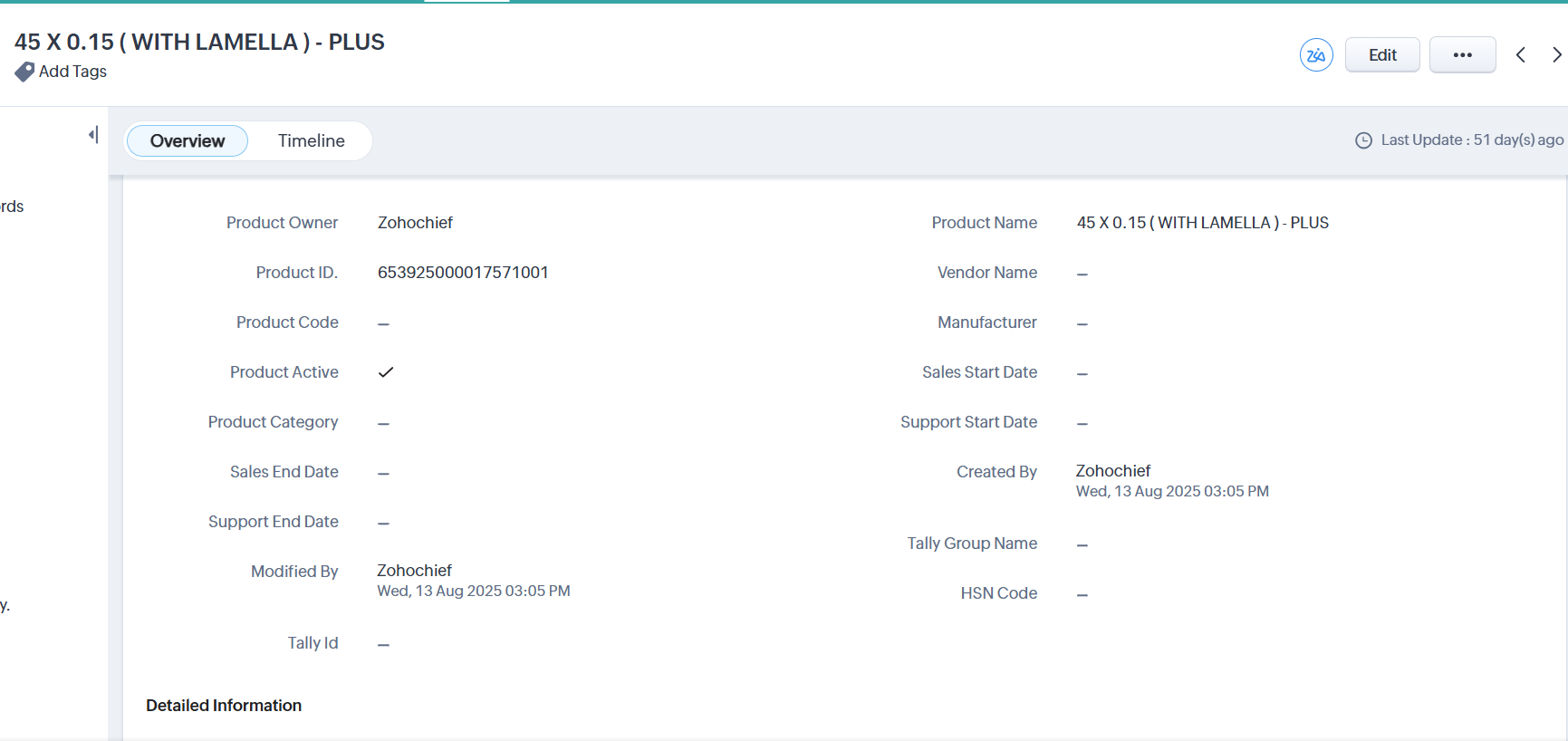
Product Creation
When a new product is added in CRM, a notification is sent to the factory.
The factory team creates the Stock Item in Tally (Factory).
The stock item is then auto-synced with the Main Office Tally.
This ensures data consistency across CRM → Factory Tally → Main Office Tally.
Project Structure
Frontend (React + Tauri)
/src→ Main application folder/components→ React components/global→ Shared components (tables, layouts)/screens→ Application modules/app/Authentication→ Login & authentication screens/app/crm→ CRM settings screens/app/tally→ Tally integration screens/app/Dashboard→ Dashboard & system settings
/ui→ Reusable UI widgets (buttons, dialogs, forms, modals)
/utils→ Hooks, contexts, and utilities/lib→ Helper libraries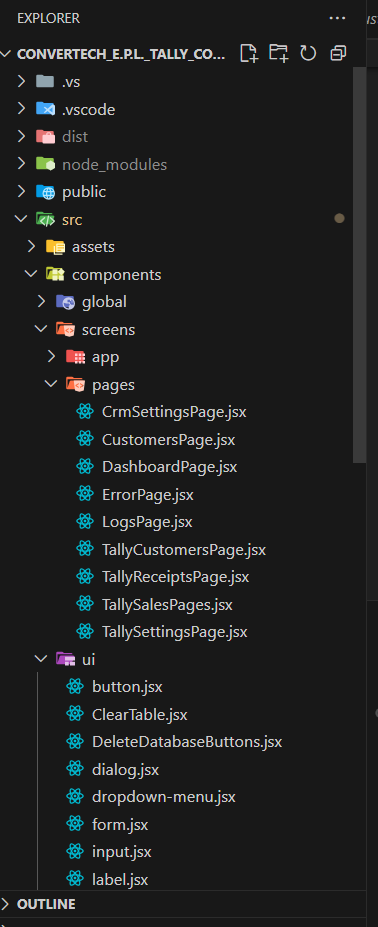
Tech Stack
Frontend: React + React Router + TailwindCSS + RadixUI
Backend (connector side): Tauri (Rust bridge)
Integration: CRM REST APIs, Tally XML-based APIs
State Management: React Context
{
  "name": "convertech_tally_connector_app",
  "private": true,
  "version": "1.1.6",
  "type": "module",
  "scripts": {
    "dev": "vite",
    "build": "vite build",
    "preview": "vite preview",
    "tauri": "tauri"
  },
  "dependencies": {
    "@hookform/resolvers": "^3.3.1",
    "@radix-ui/react-dialog": "^1.0.5",
    "@radix-ui/react-dropdown-menu": "^2.0.6",
    "@radix-ui/react-label": "^2.0.2",
    "@radix-ui/react-progress": "^1.0.3",
    "@radix-ui/react-scroll-area": "^1.0.5",
    "@radix-ui/react-slot": "^1.0.2",
    "@radix-ui/react-toast": "^1.1.5",
    "@radix-ui/react-toggle": "^1.0.3",
    "@reduxjs/toolkit": "^1.9.6",
    "@tanstack/react-table": "^8.10.4",
    "@tauri-apps/api": "^1.5.3",
    "axios-tauri-api-adapter": "^0.2.0",
    "class-variance-authority": "^0.7.0",
    "clsx": "^2.0.0",
    "frappe-js-sdk": "^1.3.7",
    "localforage": "^1.10.0",
    "lucide-react": "^0.279.0",
    "match-sorter": "^6.3.1",
    "moment": "^2.29.4",
    "react": "^18.2.0",
    "react-code-blocks": "^0.1.4",
    "react-dom": "^18.2.0",
    "react-hook-form": "^7.46.2",
    "react-icons": "^4.11.0",
    "react-json-formatter": "^0.4.0",
    "react-router-dom": "^6.16.0",
    "sort-by": "^1.2.0",
    "swr": "^2.2.4",
    "tailwind-merge": "^1.14.0",
    "tailwindcss-animate": "^1.0.7",
    "tauri-plugin-log-api": "https://github.com/tauri-apps/tauri-plugin-log#v1",
    "tauri-plugin-sql-api": "https://github.com/tauri-apps/tauri-plugin-sql#v1",
    "tauri-plugin-store-api": "https://github.com/tauri-apps/tauri-plugin-store#v1",
    "x2js": "^3.4.4",
    "zod": "^3.22.2"
  },
  "devDependencies": {
    "@tauri-apps/cli": "^1.5.10",
    "@types/node": "^20.7.1",
    "@vitejs/plugin-react": "^4.0.3",
    "autoprefixer": "^10.4.16",
    "postcss": "^8.4.31",
    "tailwindcss": "^3.3.3",
    "vite": "^4.4.4"
  }
}
Key Features
Authentication
Implemented in
Login.jsxState managed by
useLogin.js(React context)
import useSWR from "swr";
import { getStoreSettings, saveStoreSettings } from "../services/settings";
import moment from "moment";

const fetcher = async () => {
  const userData = await getStoreSettings("userDetails");
  let isAccessible = false;

  if (userData) {
    const trialTime = userData.day_of_access ?? 1;
    const creationTime = new Date(moment(userData.creation).format("yyyy-MM-DD")).getTime();
    const trialPeriodInTime = 24 * 60 * 60 * 1000 * trialTime;
    const creationWithTrialTime = creationTime + trialPeriodInTime;

    const currentTime = new Date(moment(Date.now()).format("yyyy-MM-DD")).getTime();
    isAccessible = !(currentTime >= creationWithTrialTime);
    if (!isAccessible) {
      await saveStoreSettings("userDetails", null);
    }
  }

  return isAccessible;
};

export const useLogin = () => {
  return useSWR("/userData", fetcher);
};
Data Synchronization (CRM ↔ Tally)
Accounts / Debtors
CRM triggers notification → Factory creates in Tally → Sync to Main Office Tally
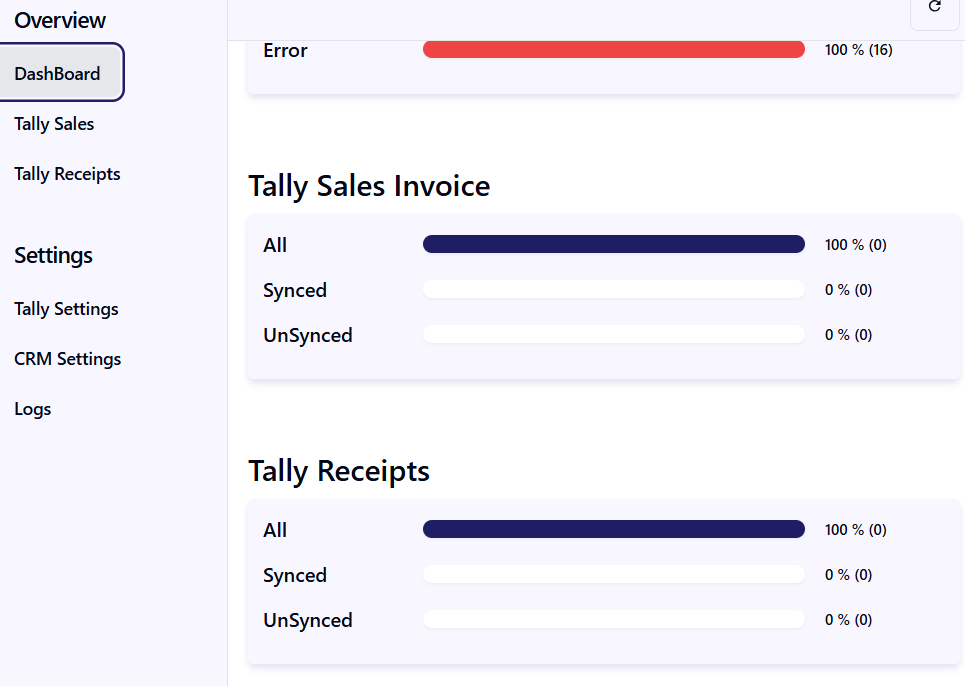
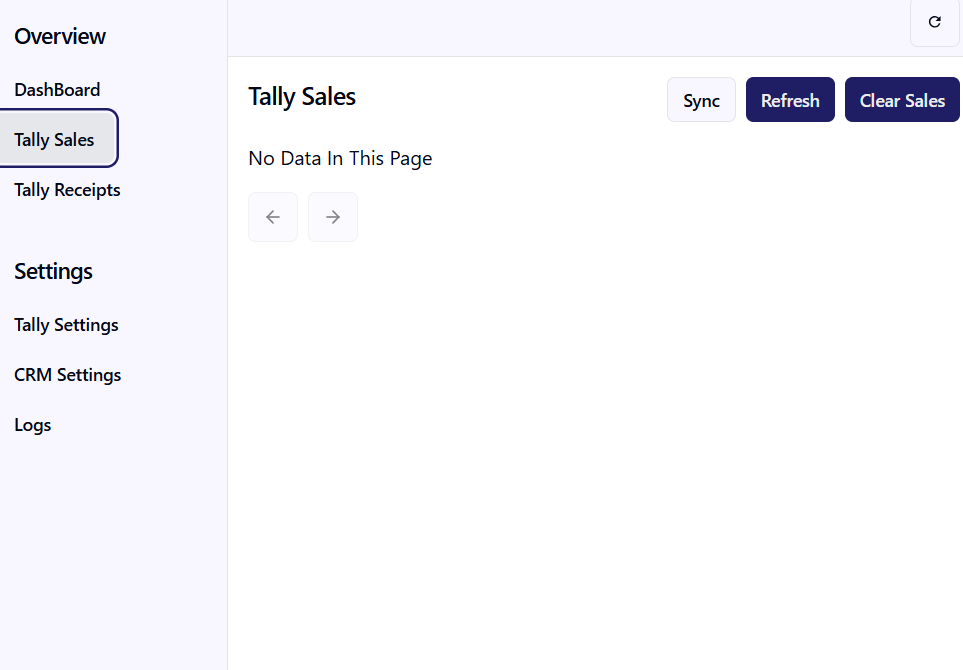
Sales Orders / Invoices
CRM order → Factory invoice → Auto-sync to Main Office
Products / Stock Items
CRM product → Factory stock item → Sync to Main Office
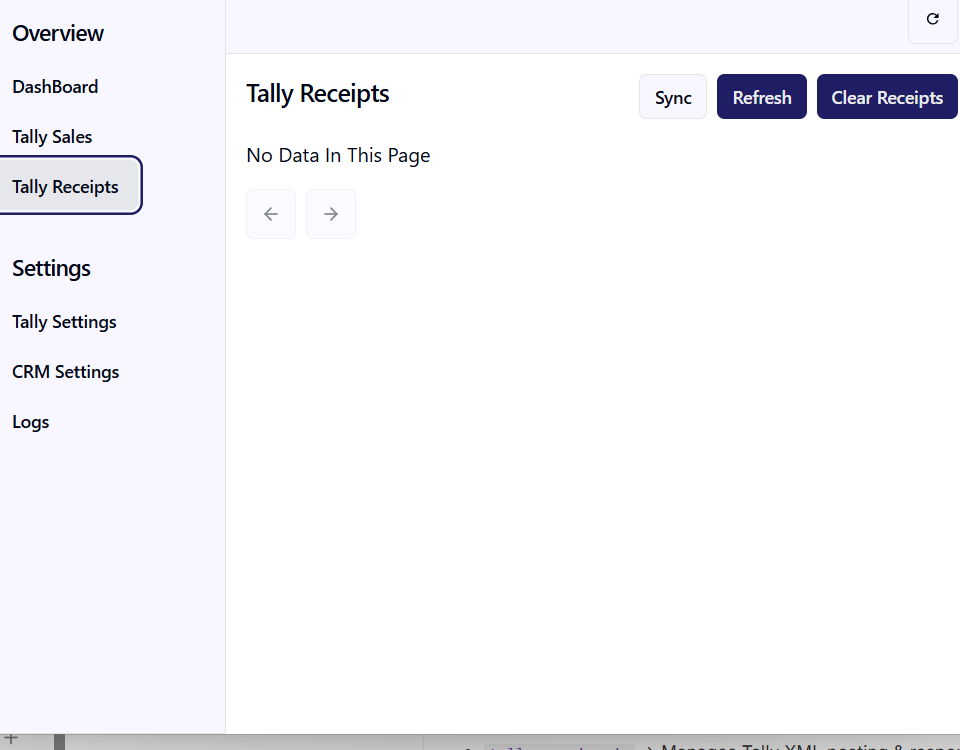
Receipts
Payment handling with synchronization to Tally
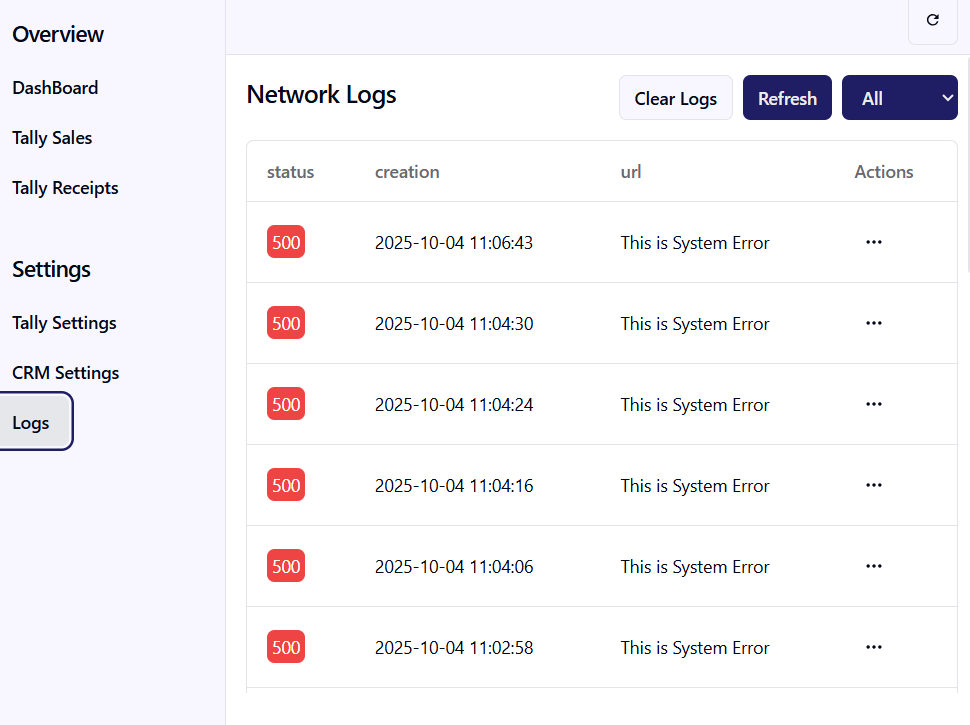
System Logs
Detailed sync logs available for debugging & audit
Settings Management
CRM Settings →
CrmSettings.jsxTally Settings →
TallySettings.jsxSystem Settings →
SystemSetting.jsx
Services
Located in /utils/services/:
crm.service.js→ Handles CRM API callstally.service.js→ Manages Tally XML posting & responsestallyXML.js→ Central XML templates for vouchers, stock, accounts
Routing
Main routes defined in main.jsx:
/→ Dashboard/tally-sales→ Manage Sales Orders & Invoices/tally-receipts→ Receipt management/crm-settings→ CRM configuration/tally-settings→ Tally connection setup/logs→ Logs & error reports
Development Guidelines
State Management
Global state via React Context
ServiceContext.jsx→ Provides API/service integration contextToastContext.jsx→ Notification system
Styling
TailwindCSS for layout & theming
Custom UI components in
/components/ui/Config in
tailwind.config.js
Error Handling
User-facing errors → Toast notifications
Technical errors → Logged in
/logs
Reusable Data Tables
TableUi.jsxfor all grid-based dataSupports pagination, filtering, and inline actions
Setup & Deployment
Development Setup
Clone the repo
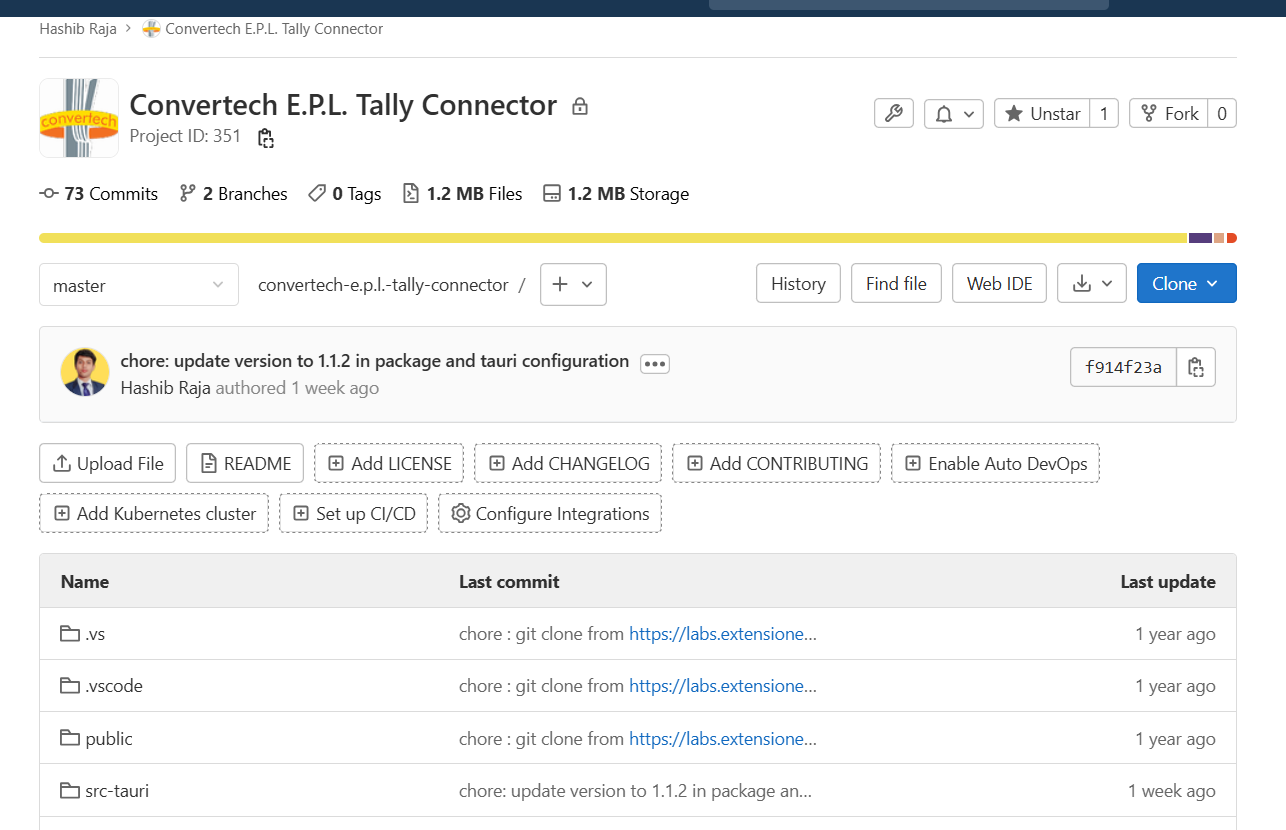
git clone https://labs.extensionerp.com/hashib/convertech-e.p.l.-tally-connector.git
cd convertech-tally-connector
Install dependencies
yarnBuild Tauri app (desktop binary)
yarn run tauri build
Deployment
The app builds into a desktop executable via Tauri.
Deploy to main office desktops where Tally is installed.
Ensure Tally Gateway Server is running and accessible.