XA Group – Tally Connector Handover Documentation
Project Overview
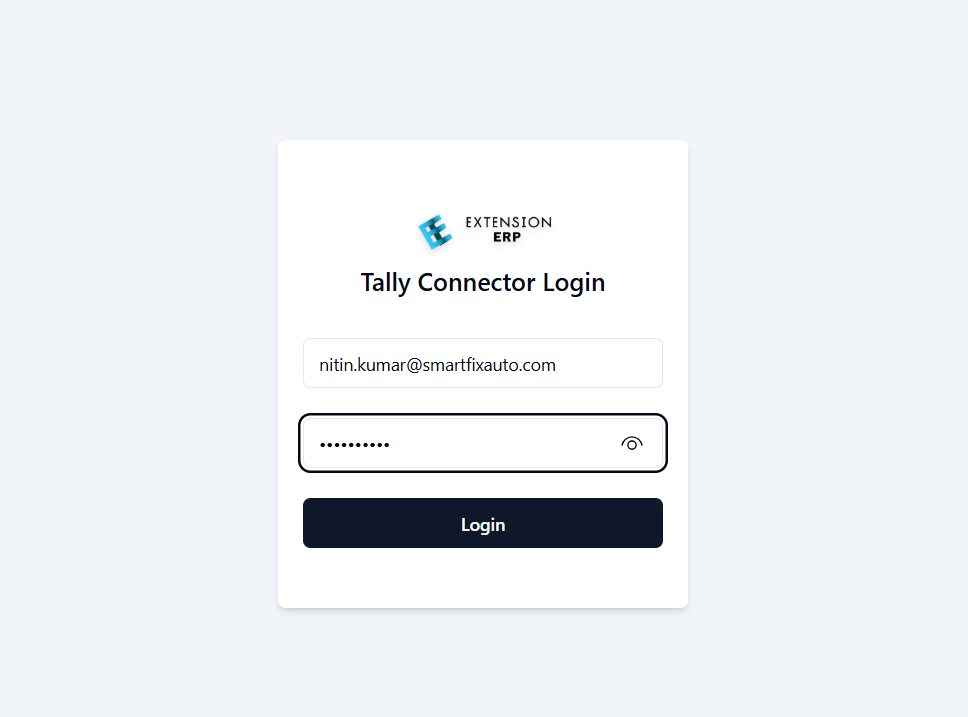
The XA Group Tally Connector is a React + Tauri based desktop application that integrates Zoho CRM, ERP, and Tally to enable automated synchronization of critical business data such as:
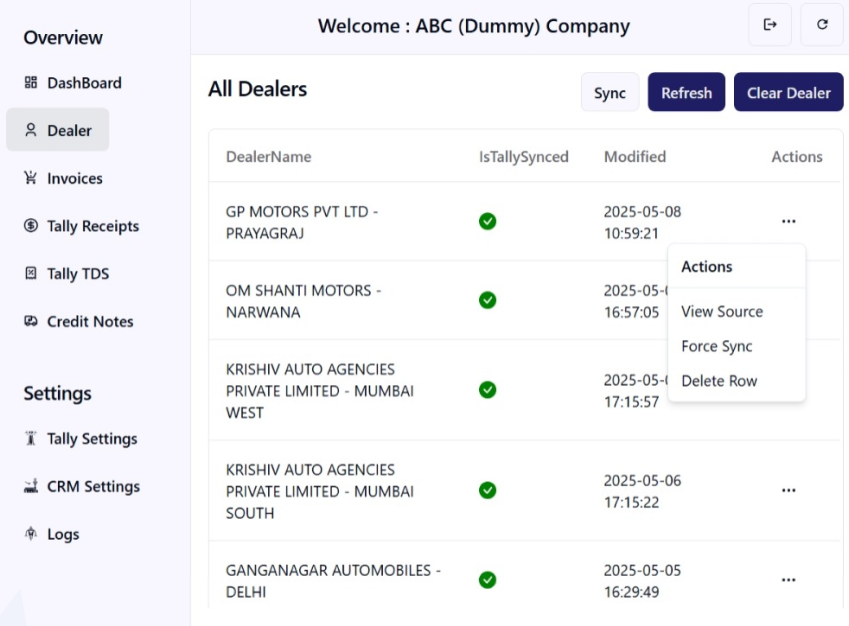
Dealers (Sundry Debtors)
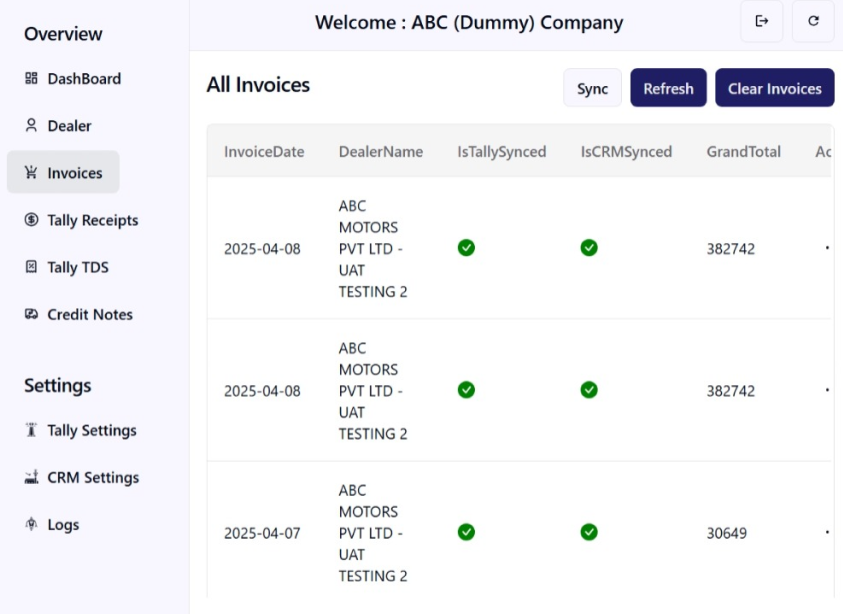
Invoices
Advance Receipts & Adjustments
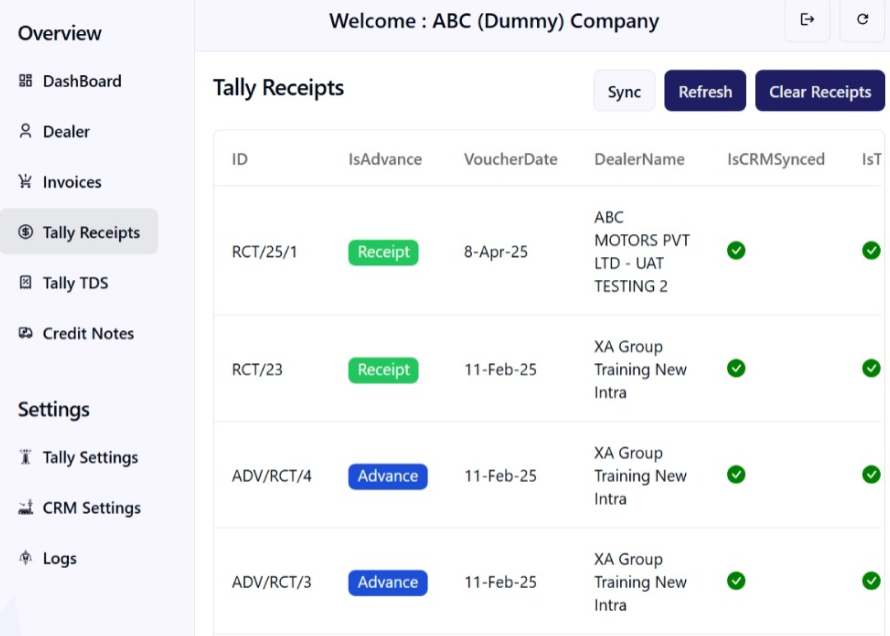
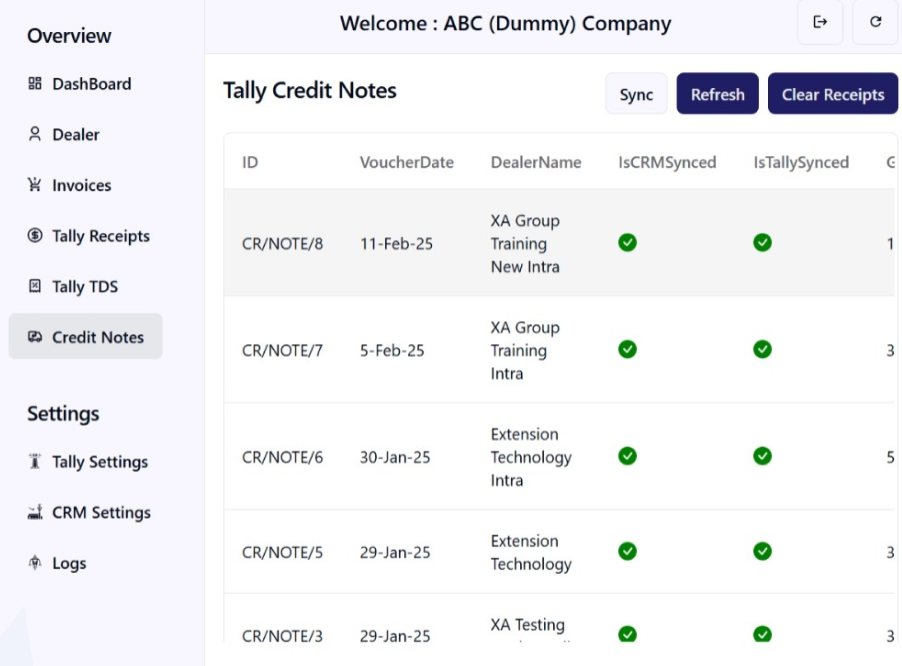
Credit Notes
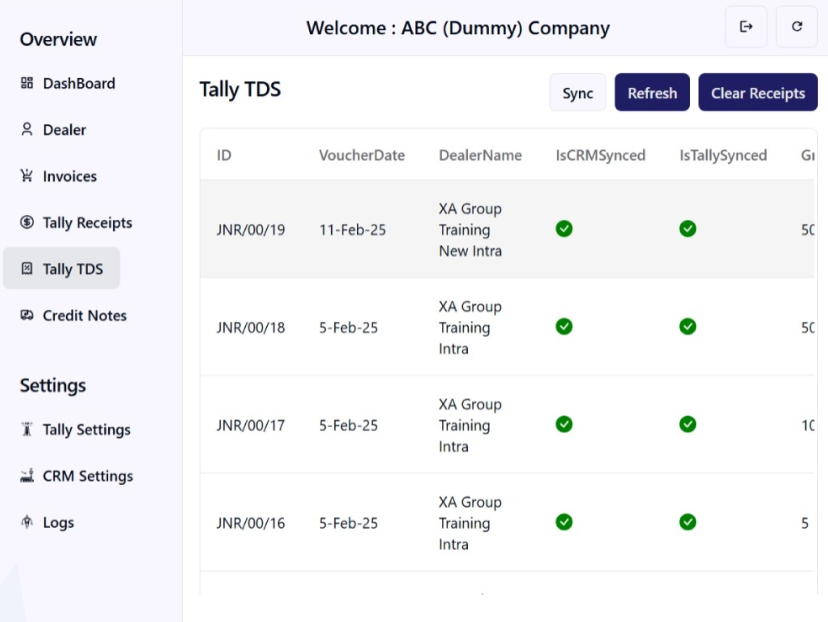
TDS Entries
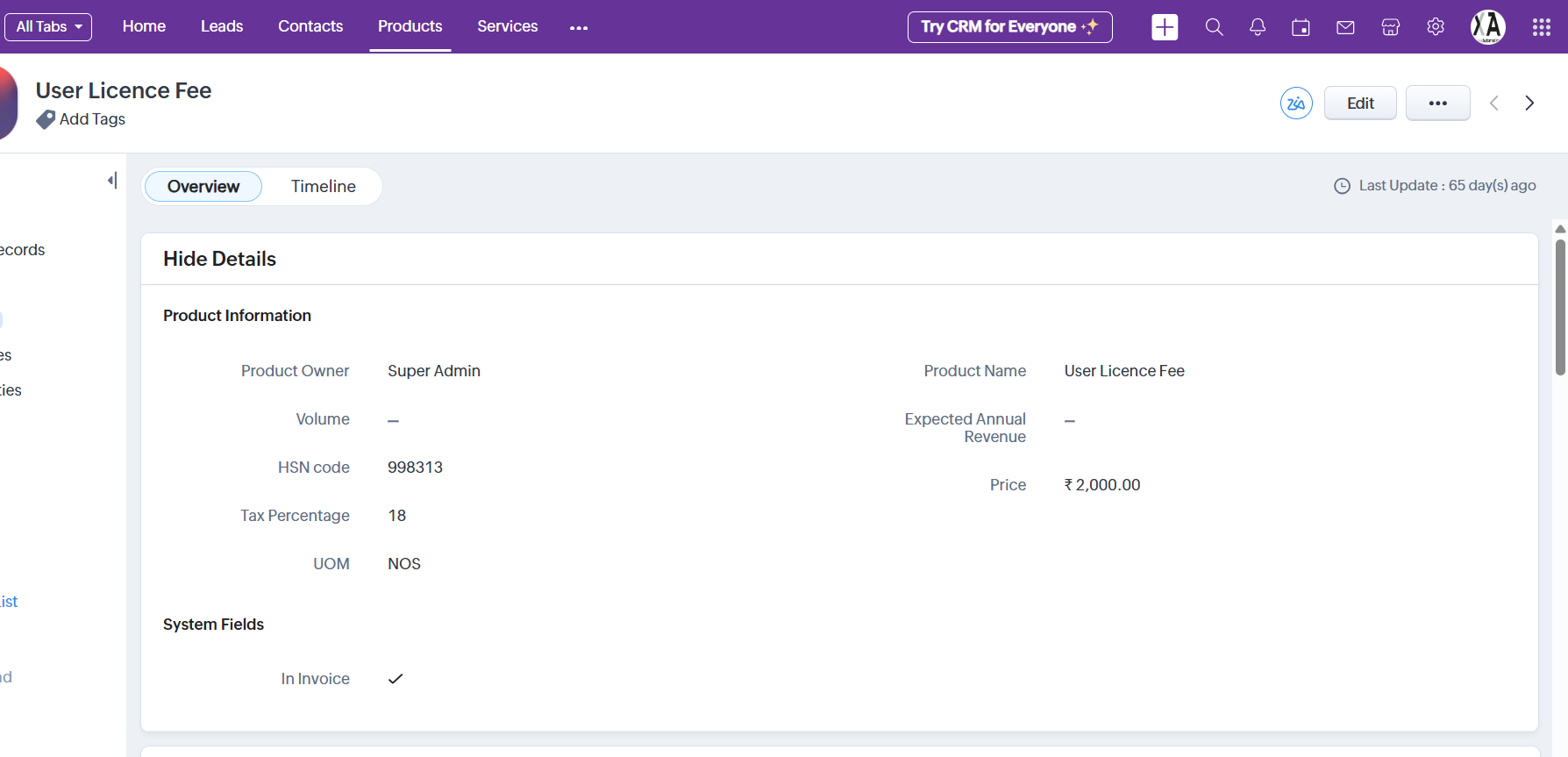
Stock Items / Products
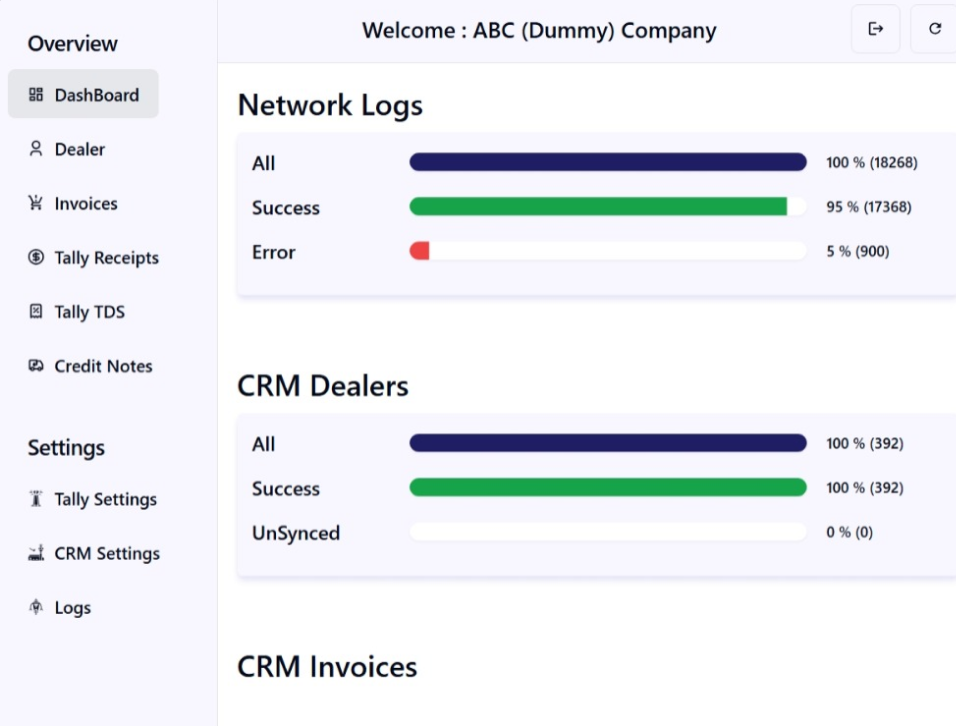
The system reduces manual work, keeps financial data consistent across CRM and Tally, and provides a central dashboard for monitoring sync status, logs, and system health.
Tech Stack
Frontend Framework: React (Vite)
Desktop Framework: Tauri
Styling: TailwindCSS + RadixUI
State Management: React Context API
Data Fetching: SWR
Backend Communication: CRM & ERP APIs + Tally XML
Build Target: Windows Executable (via Tauri bundling)
Project Structure
/src
 ├── /components
 │    ├── /screens
 │    │    ├── /app
 │    │    │    ├── Dashboard.jsx
 │    │    │    ├── CrmSettings.jsx
 │    │    │    ├── TallySettings.jsx
 │    │    │    ├── SystemSetting.jsx
 │    │    │    ├── Logs.jsx
 │    │    │    └── ErrorPage.jsx
 │    ├── /ui        # Buttons, Tables, Forms, Modals
 │    └── /global    # Shared components (TableUI, Toasts)
 ├── /utils
 │    ├── /services
 │    │    ├── crm.service.js
 │    │    ├── tally.service.js
 │    │    ├── erp.service.js
 │    │    └── tallyXML.js
 │    └── /contexts
 │         ├── ServiceContext.jsx
 │         ├── ToastContext.jsx
 │         └── useLogin.js
 ├── main.jsx
 └── tailwind.config.js
Core Business Workflows
1. Dealer Creation & Sync
CRM Side: Dealer is created in Zoho CRM Dealer Module.
Connector Flow:
crm.service.js→ pushes dealer data to Tally.tally.service.js→ creates Ledger under Sundry Debtors in Tally.Status (
isTallySynced,lastModified) updated in CRM.
Business Rule: GST number auto-populates POS & State Code.
Validation: Dealer’s unique
zcrm_idprevents duplicate sync.Outcome: Ledger created in Tally and available under Chart of Accounts → Ledgers.
2. Estimate Summary Automation
Uploaded Excel → Zoho WorkDrive → Auto Sync to CRM Estimate Summary Module (via scheduler at 3 PM UAE / 4:30 PM IST).
If rows contain errors → system emails error report.
CRM connector verifies sub-dealer code for matching records.
Code Reference:
crm.service.js → syncEstimates()erp.service.js → validateEstimateData()
3. Advance Receipt Workflow
In Tally:
Receipt Voucher → Select Bank/Cash → Choose Dealer Ledger → Mark as Advance → Save.
Connector Flow:
tally.service.js → fetchReceipts()Transforms into CRM-compatible JSON.
crm.service.js → createAdvanceReceipt()
Default Status:
Unclaimedin CRM.Adjustment: Tagged against bills in Tally → Auto-updated in CRM Tally Payment Module.
4. Invoice Workflow
Triggered: First day of every month via scheduler.
Flow:
Estimate Summary → Invoice Module (CRM).
Stage: Pending → Approval Required.
On Approval → Auto-Sync to Tally as Sales Voucher.
Tally returns Invoice Number → Updates CRM.
Tax Rules:
Intra-State: CGST + SGST
Inter-State: IGST
Connector Buttons:
Send Both Reports to Dealer → Invoice + Outstanding
Send Invoice Only → Dealer receives invoice
Preview Outstanding → Review before sending
5. Credit Notes
Created in Tally (Voucher → Credit Note).
Connector syncs back to CRM Credit Note Module.
Fields mapped:
Dealer,Reason,Credit Amount,Bill Allocation,Narration.
6. TDS Entries
Created in Tally (Voucher → Journal → TDS on Sale).
Synced into CRM TDS Module.
Attachments (certificates) can be uploaded in CRM and linked to TDS entry.
7. Outstanding Calculation
Formula:
Outstanding = (Tally Invoice – Credit Note) – (TDS + Received)
Received = Tally Payments
Always displayed in Dealer Module → Related Lists.
Connector Services
CRM Service (crm.service.js)
Dealer management (
createDealer,updateDealer)Invoice sync (
syncInvoice,updateStatus)Advance receipts push
Validation against CRM schema
Tally Service (tally.service.js)
Verify Tally connection
XML generation (via
tallyXML.js)Create/update ledgers
Sync invoices & receipts
Fetch outstanding balances
ERP Service (erp.service.js)
Supplier sync
Stock synchronization
Account-level management
Tally XML (tallyXML.js)
Template library for Tally requests:
createLedgerXML(dealer)createInvoiceXML(invoice)createStockItemXML(product)fetchOutstandingXML()
Error Handling
UI Level: Error boundaries (
ErrorPage.jsx) + Toast notifications.Logs:
/components/screens/app/Logs.jsx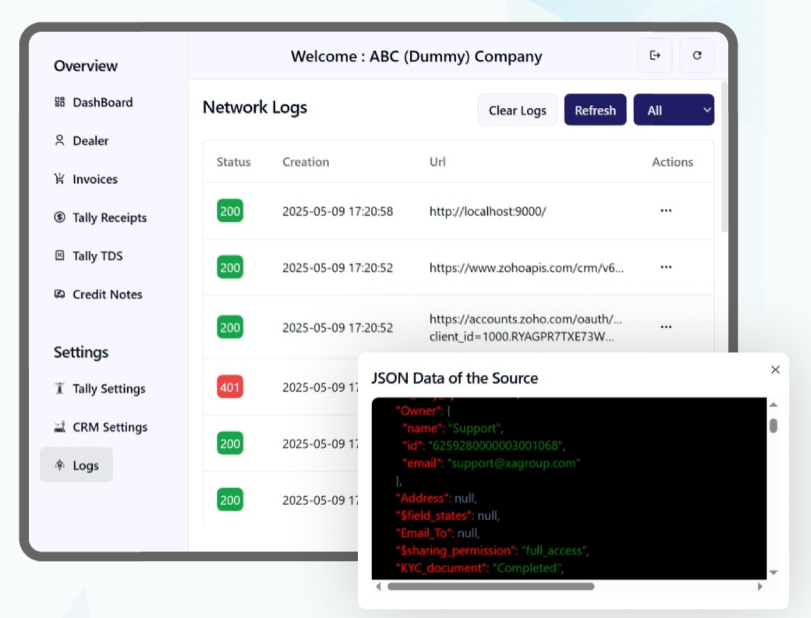
Filters: Success, Error
Includes Sync Timestamp + Source
Recovery:
Force Sync → manually retries failed entries.
Clear Receipts → resets outdated receipt data.
Deployment Process
Install dependencies
yarnConfigure
.envfileCRM API credentials
Tally Port & Company Name
ERP API details
Run dev server
yarn tauri devBuild Tauri app for distribution
yarn run tauri build
.png)